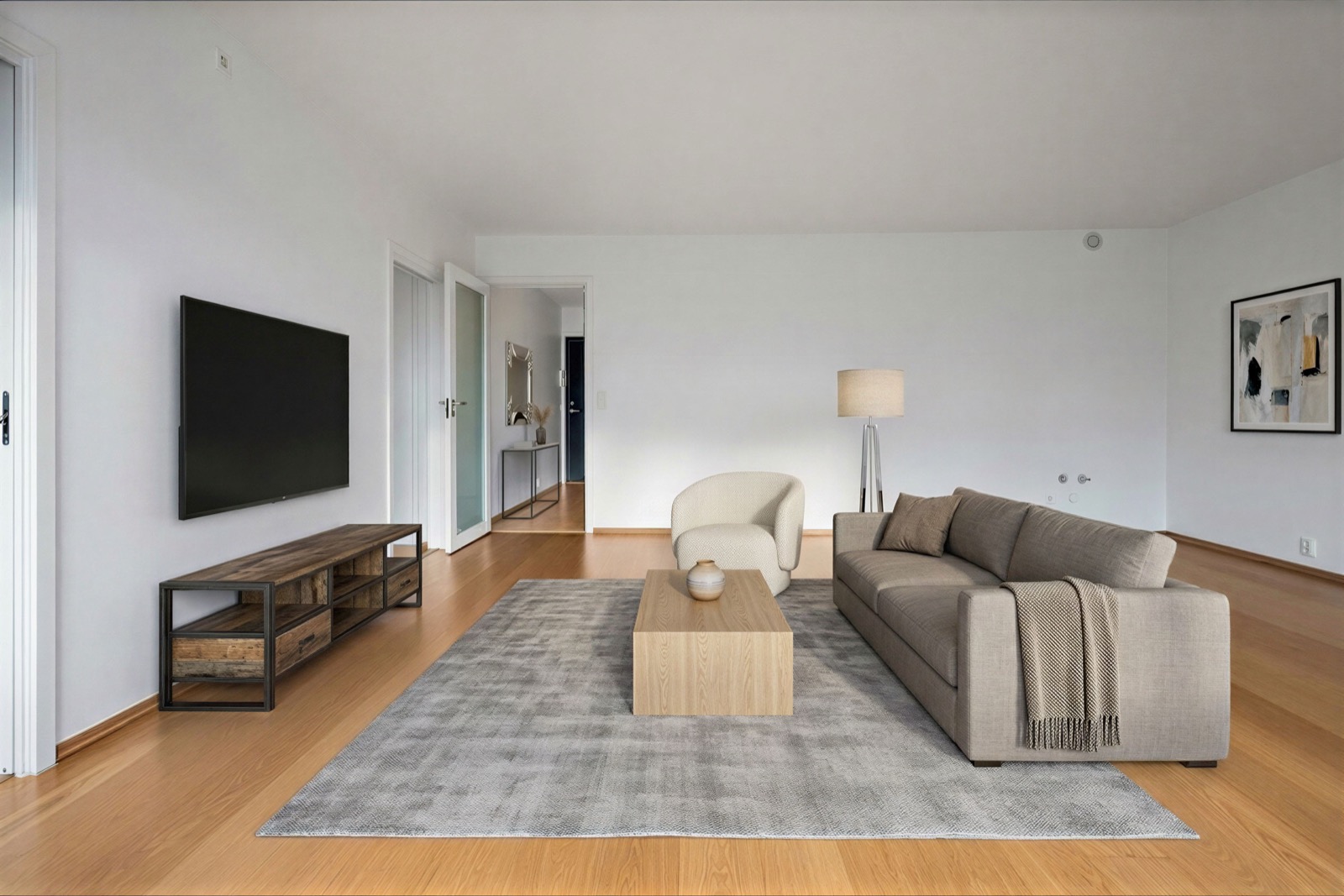
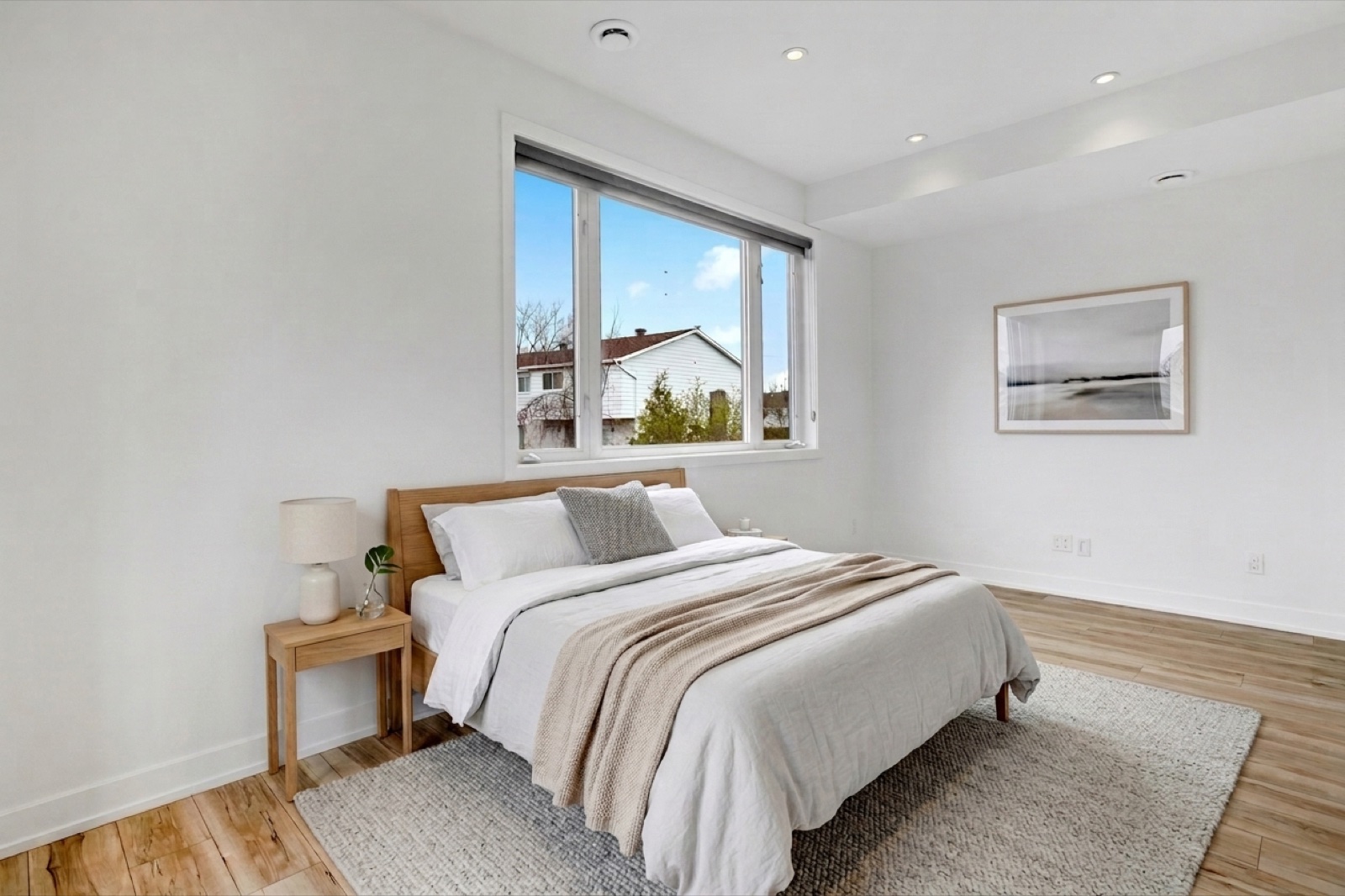
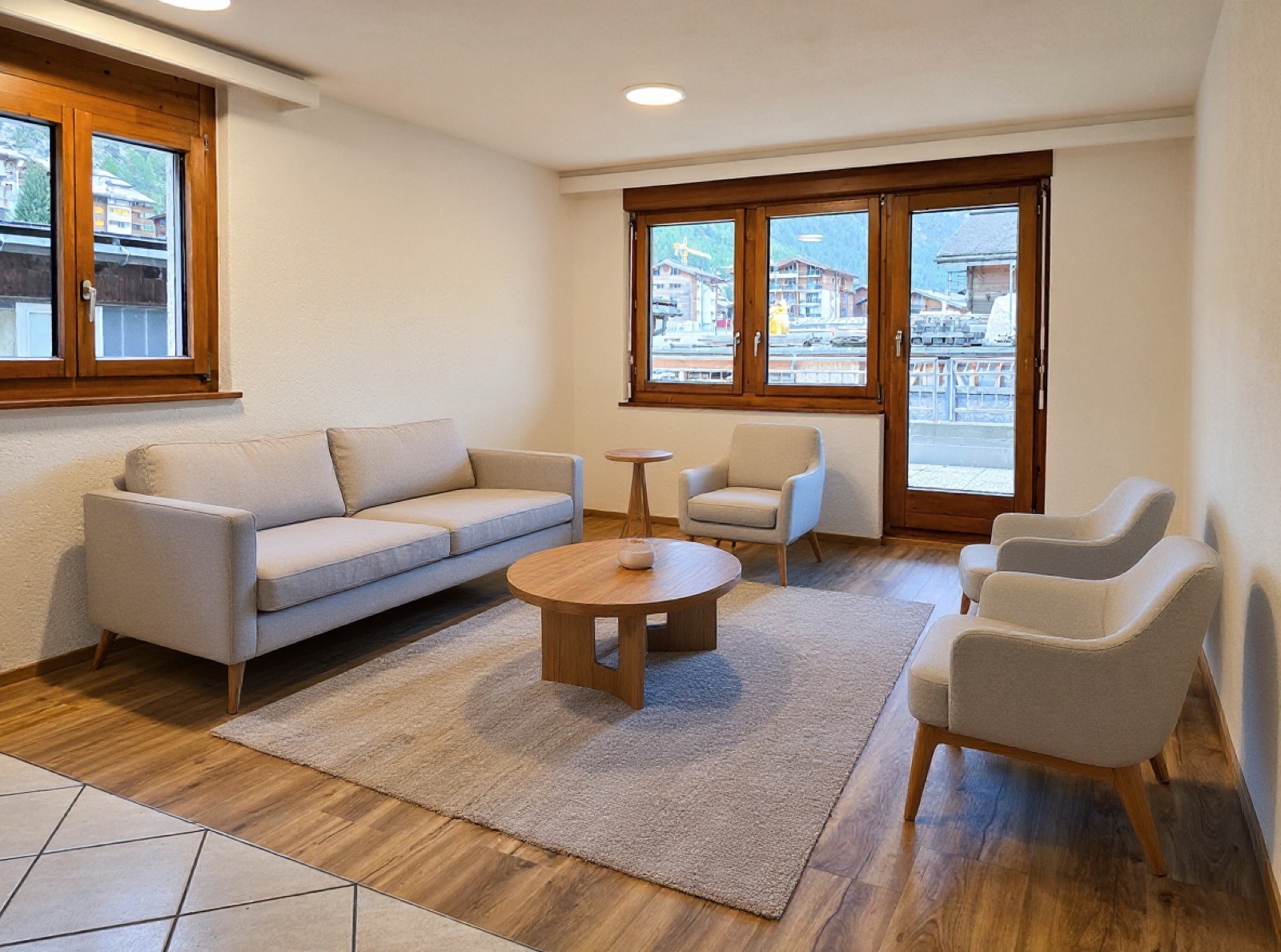
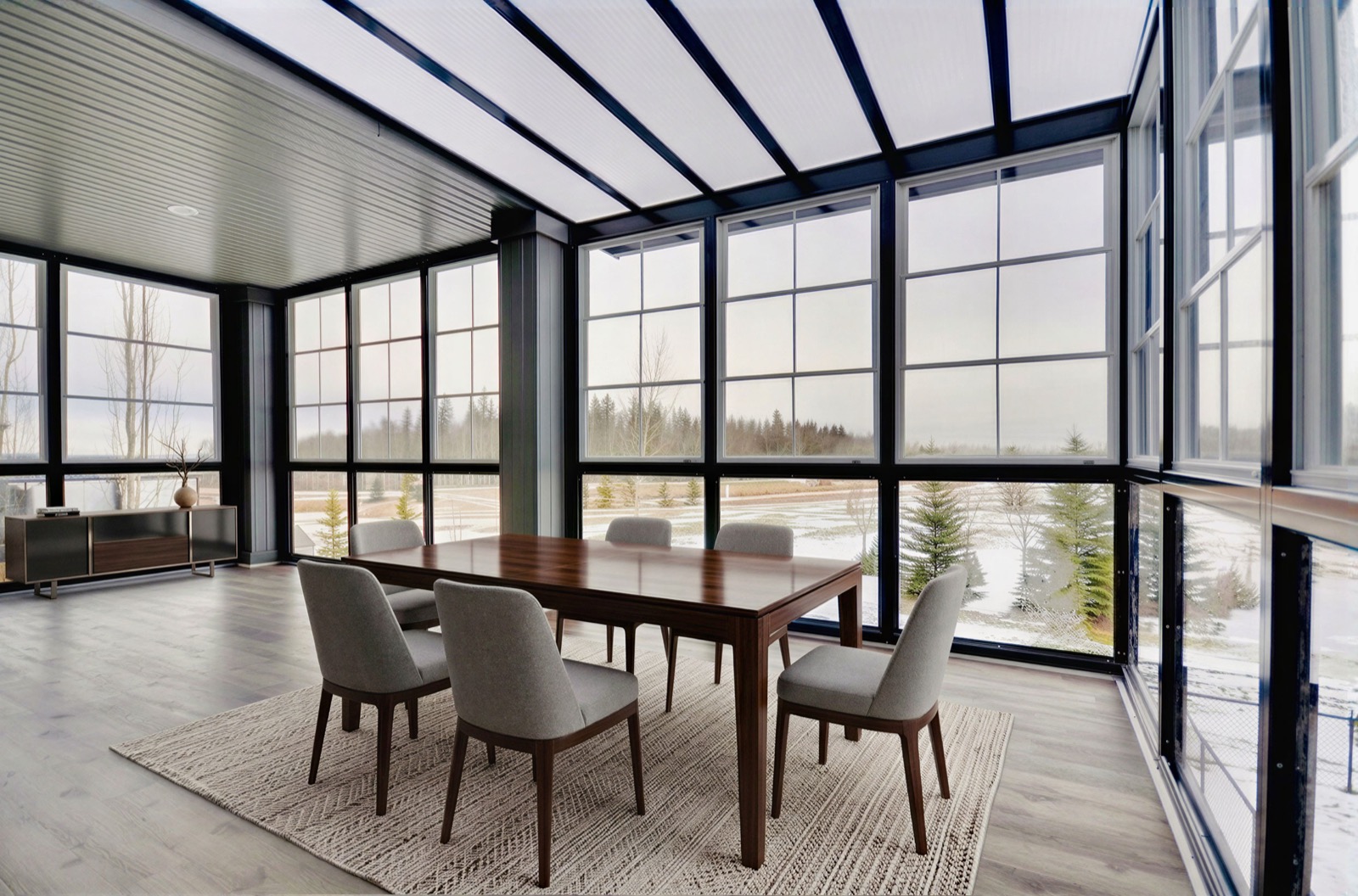
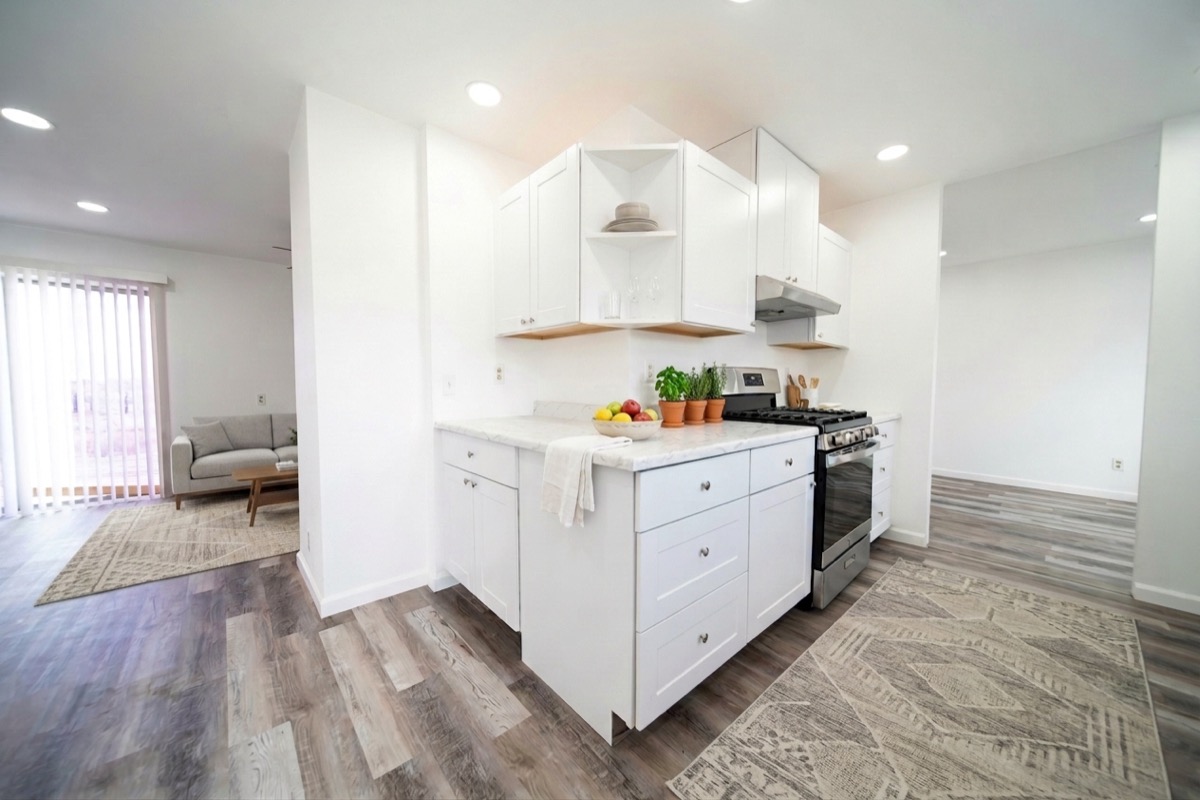
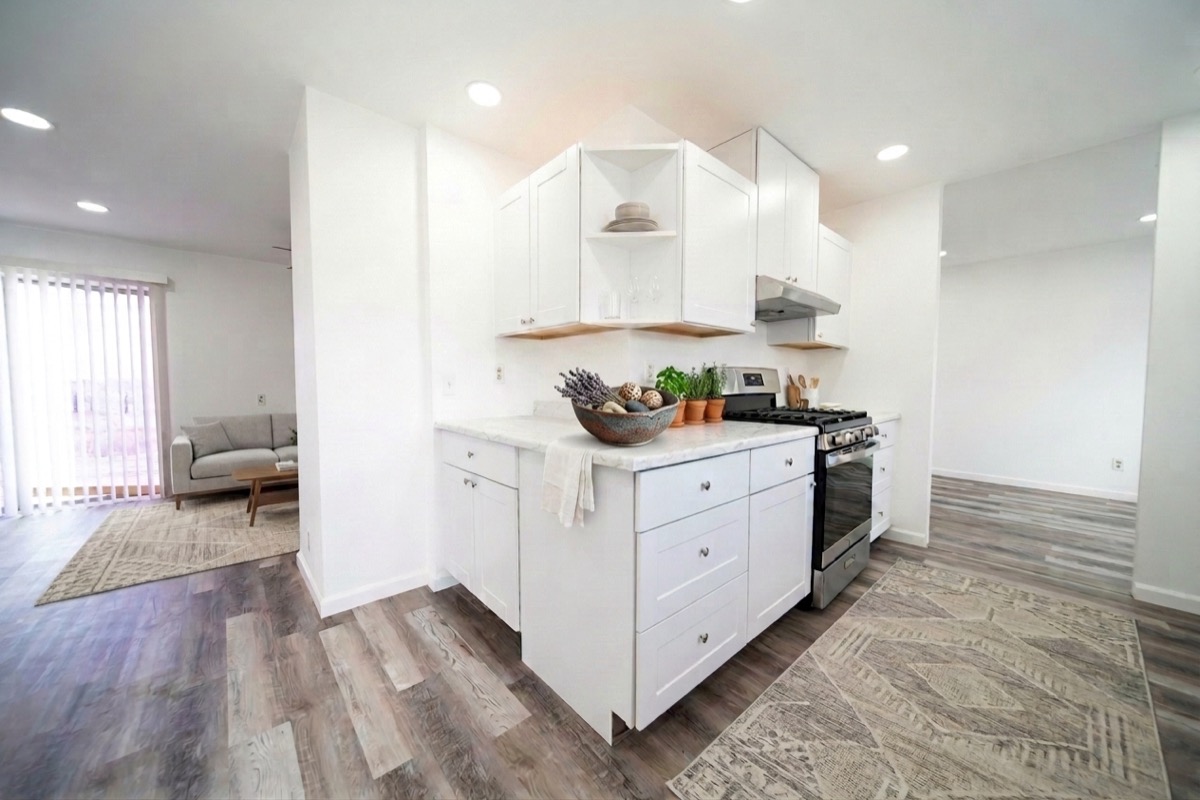
No phantom windows, no invented doorways. The room's real architecture stays exactly as photographed, every time.
Ten room types, not just living rooms
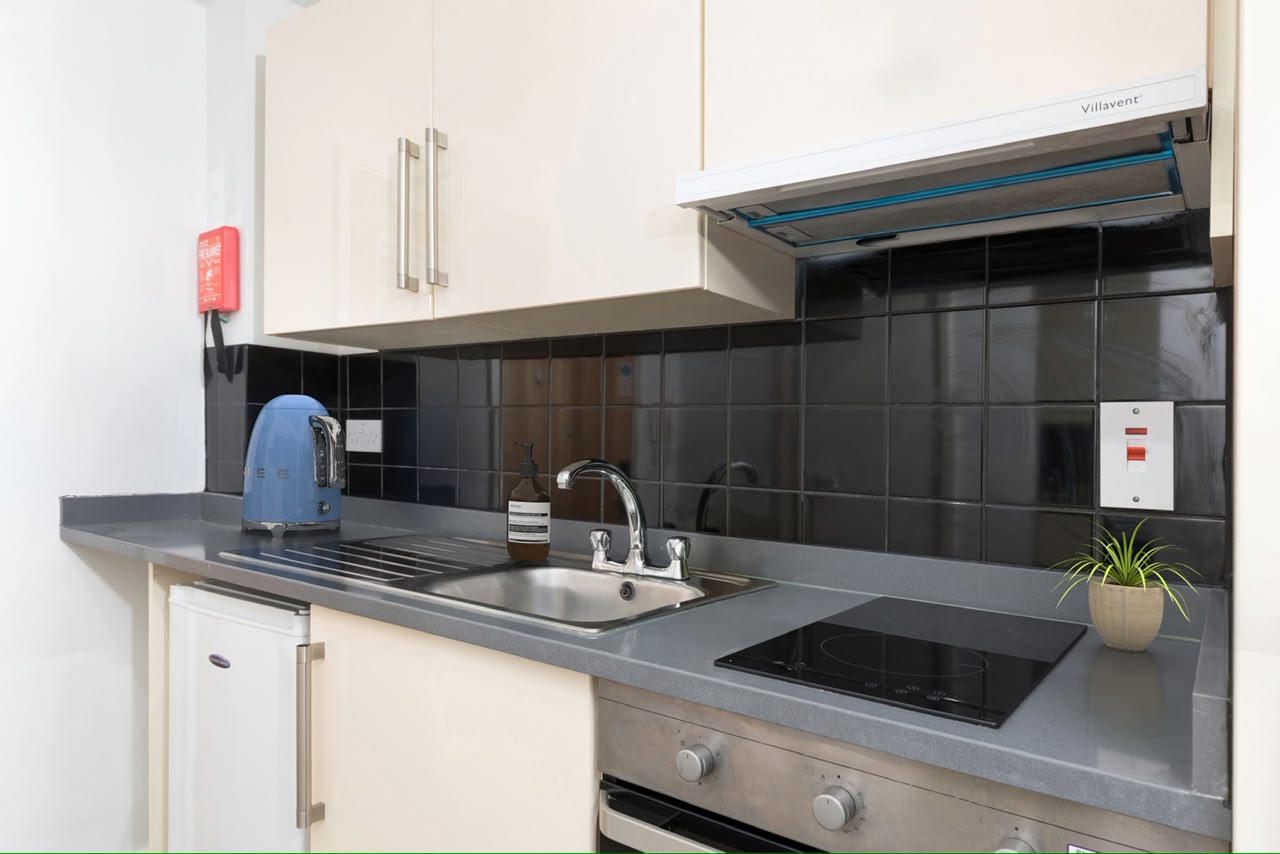
Living, dining, master bedroom, bedroom, open-plan kitchen-living, kitchen, home office, bathroom, hallway and outdoor terrace. Kitchens and bathrooms get their own treatment rather than a sofa dropped into the wrong room.
Same furniture, every room
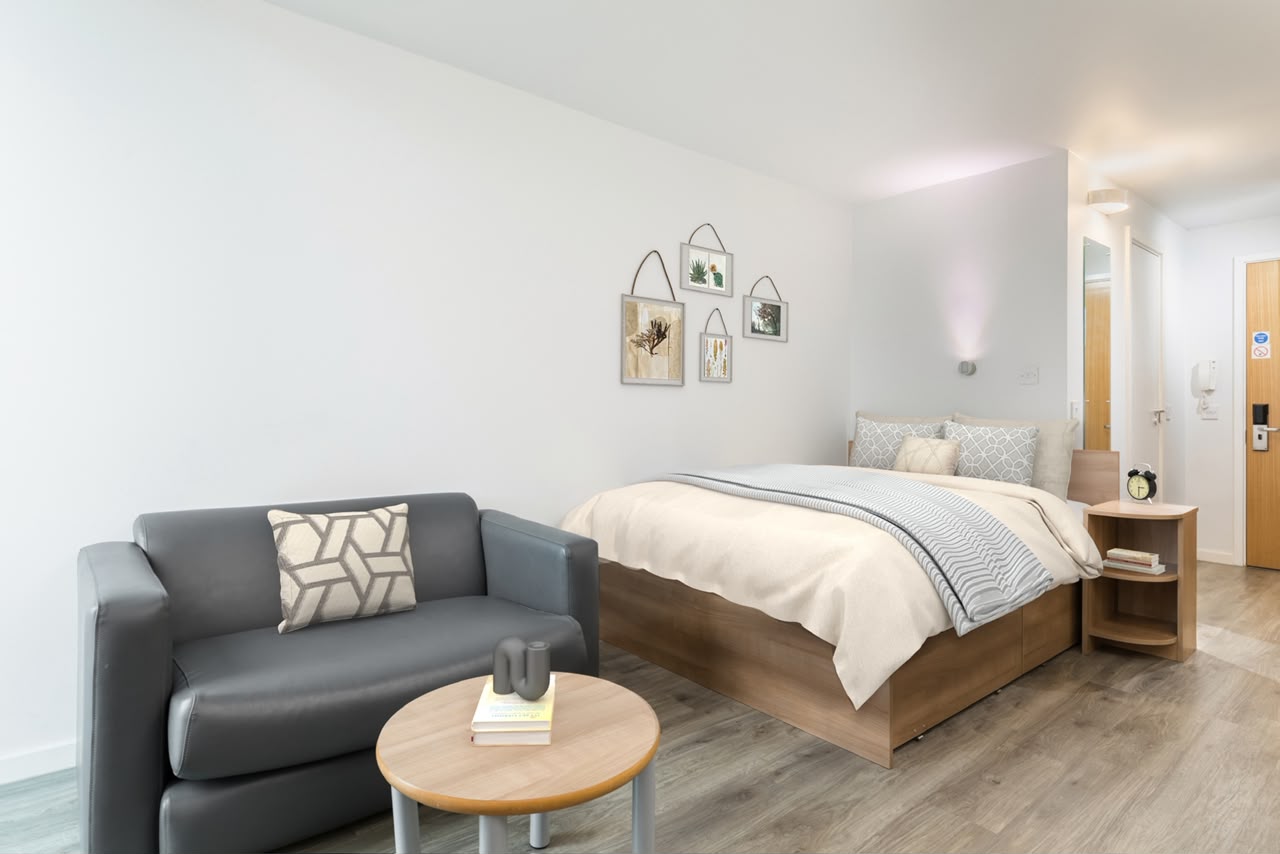
Multi-room listings stay consistent automatically. The same furniture collection carries across every connecting room, correctly re-oriented for each new angle.
One room, every angle, the same furniture New
Buyers scroll a listing, not a single photo. Upload two to four shots of the same room and every one comes back with the same sofa, the same rug, the same lamp, in the same places, seen from where each photo was actually taken. Most tools stage each frame on its own, so the furniture changes between pictures and the listing reads as fake.
Every angle is checked before you see it, so your walls, windows and floor come back untouched. See a room shot twice →
Compliance checked before you publish
The MLS QC Checker reads every image for the things that get a listing pulled: a person or reflection in frame, an existing watermark, clutter, a tilted horizon, motion blur, and fair housing risk. You get the flags before anything goes live. At download you can stamp a “Virtually Staged” disclosure, an AI-generated label, or both, applied to that export only and never to your stored image. It is your choice per download rather than something forced on every file, because board requirements differ.
AI reel generator
The reel engine reads your listing photos, works out the tour order a buyer would walk, and assigns a Ken Burns motion direction to each frame. Exports 1080 by 1920 vertical video for Reels, TikTok and Shorts, with editable room captions and per-slide duration.
Under 4 hours
Upload an empty room, get back a fully staged, market-ready listing image the same day. Manual virtual staging runs about 5 images a day on average. RE Studio delivers up to 50.
Styled to the price tier
8 furnishing styles, from Scandinavian and Japandi to Hamptons coastal and luxury contemporary, crossed with 3 density levels and 3 budget tiers. A studio flat and a penthouse should not be furnished from the same catalogue, and here they are not.
Decide the details, not just the style
Choose whether a wall-mounted TV appears, or a console with no screen, or neither. Keep the existing floor exactly, or lay light oak, walnut, or a large area rug. Lock windows, doors, ceiling and structure independently. Then revise or remove any single piece without disturbing the rest of the room.
Off-plan from renders
Stage directly from architectural renders before a property is even built.
MLS QC Checker, built for large catalogues
Scan a whole batch at once, add more images to a running session, and re-run after fixes. Export a printable report with a thumbnail, score and flag list per image, which is the artifact a brokerage actually needs to sign off a portfolio rather than a screen you have to read one row at a time.
HOW IT WORKS
Four steps to live-ready.
01
Upload
Drop in photos of the empty room.
02
Select
Choose room type and staging style.
03
Stage
AI stages it, architecture stays locked.
04
Deliver
MLS-compliant images in under 4 hours.
MULTI-ANGLE New
One room, shot twice, furnished once.
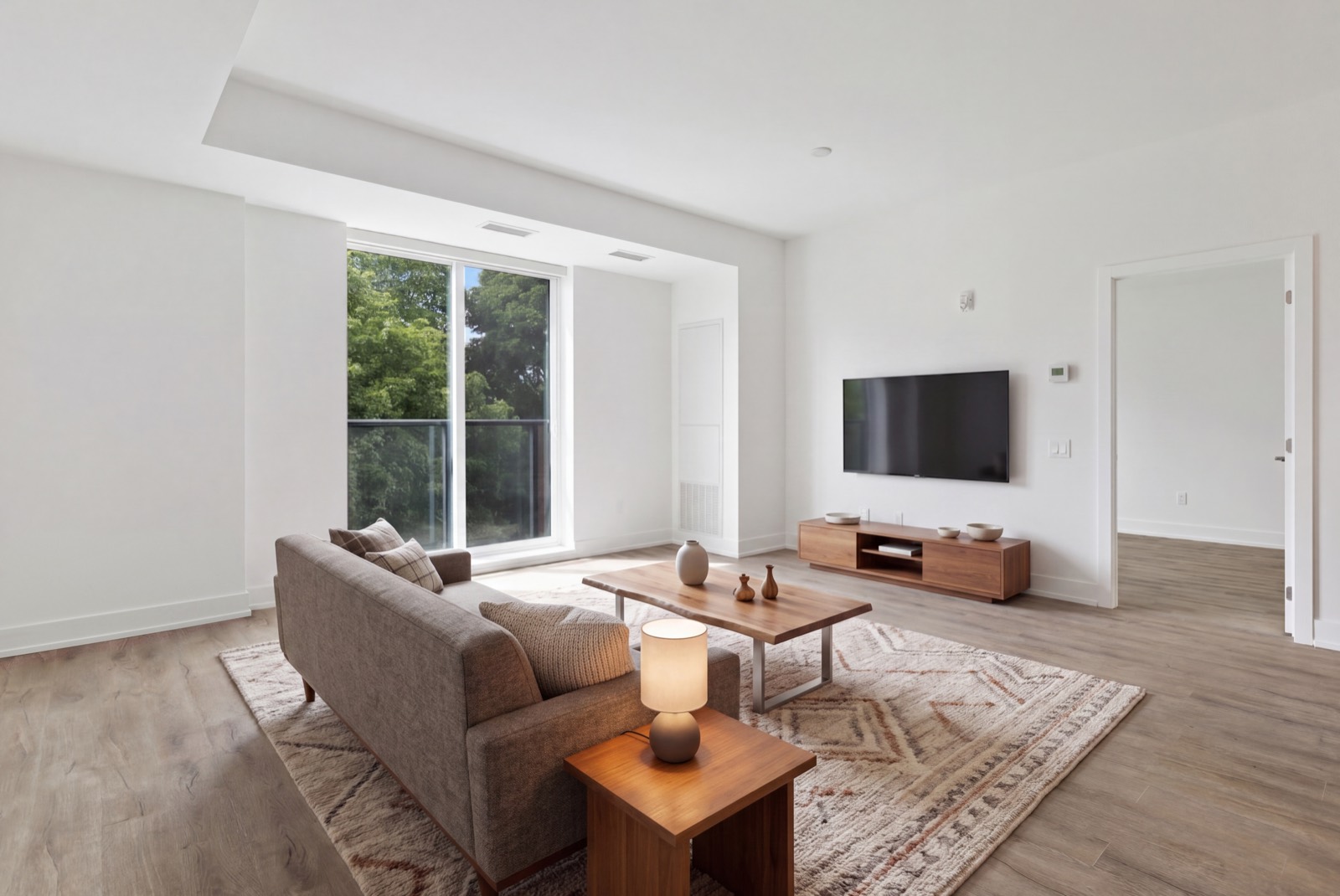
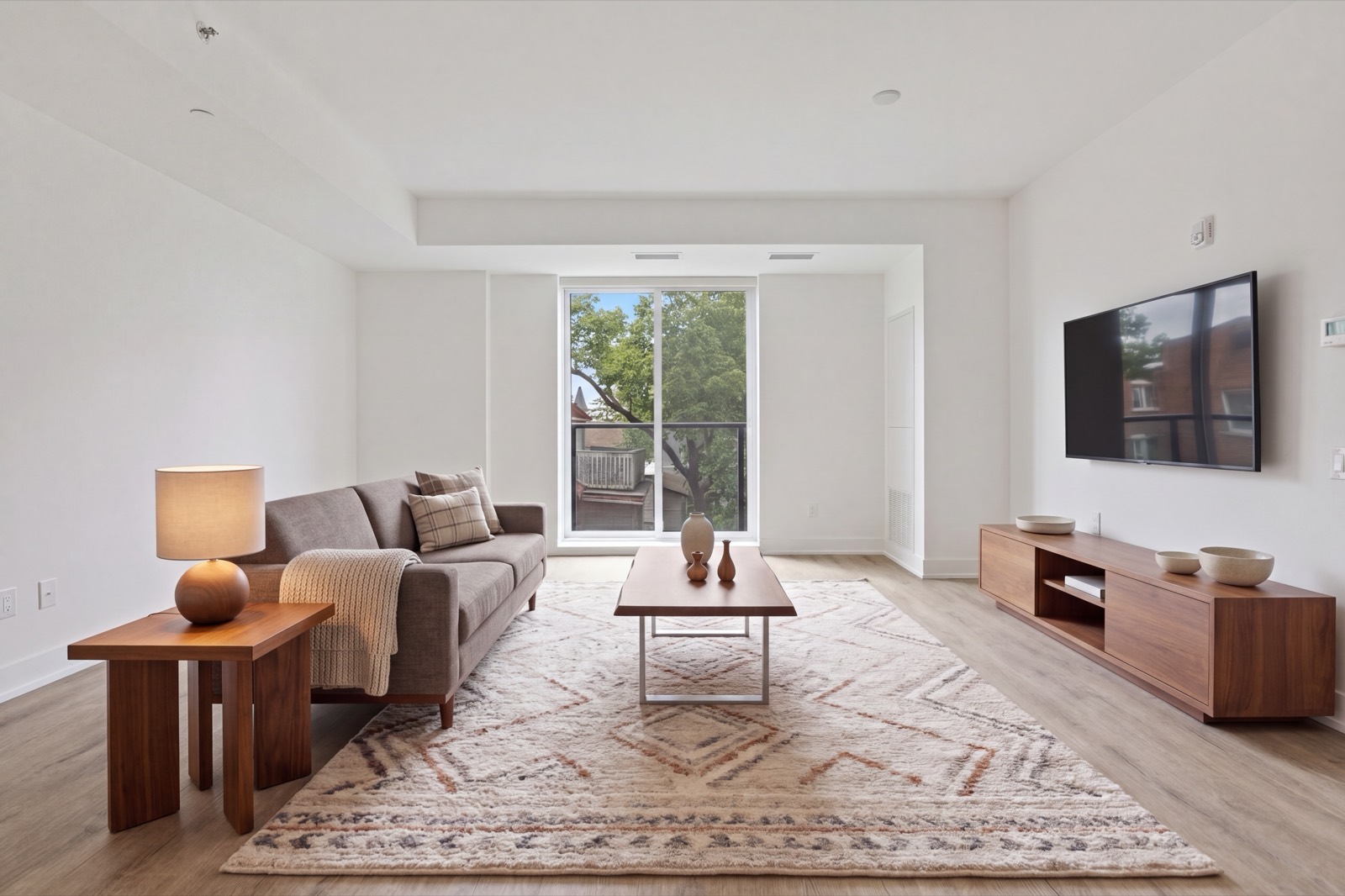
These are two photographs of the same living room, taken from different corners, staged in a single job. Look at the sofa, the rug, the lamp, the three bowls on the console. Not similar furniture. The same furniture, in the same places, seen from where each photo was taken.
Photo 1Photo 2, same room
Carried across bothSofa, cushions and throwLive-edge coffee tableThe three vases on itRug, pattern and positionTable lampConsole and its three bowlsWindows, walls and floor untouched
Two to four photographs per room. Available on Pro and Enterprise.
Don’t love a piece? Revise it, or remove it outright. Nothing else moves.
Drag the slider to compare, or click either side to bring it forward. Every revision keeps the architecture, lighting, and every other piece of furniture exactly as they were. Only the item you flagged changes, whether that's a new style or removing it entirely.
BeforeRevised
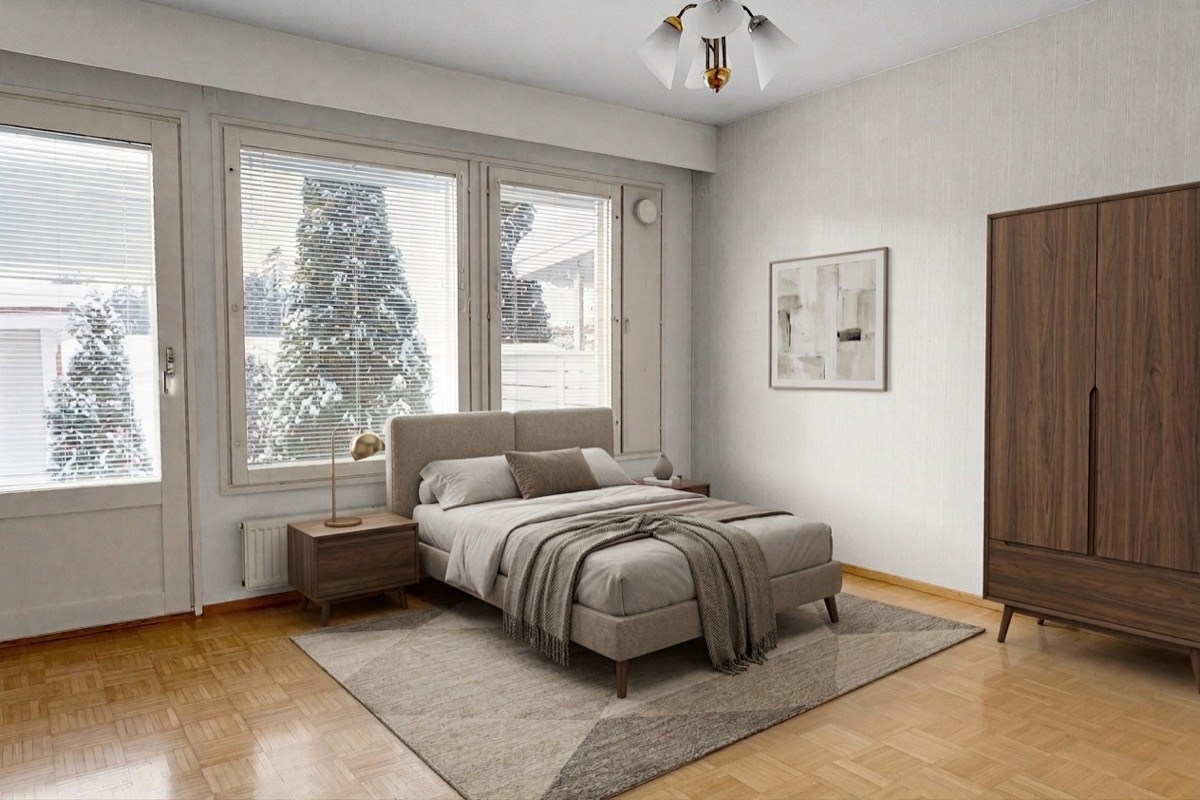
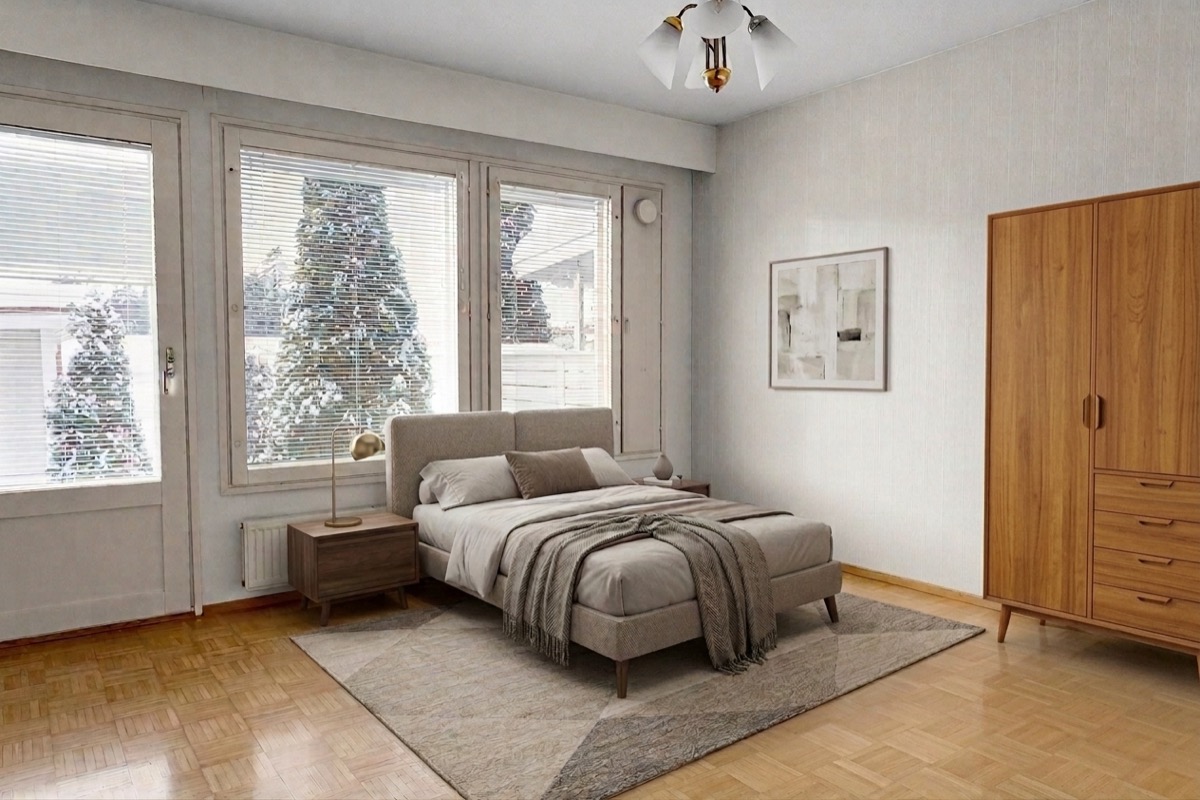
Wardrobe finish
Swapped to a walnut finish, bed, art, lighting and walls stay pixel-identical.
BeforeRevised
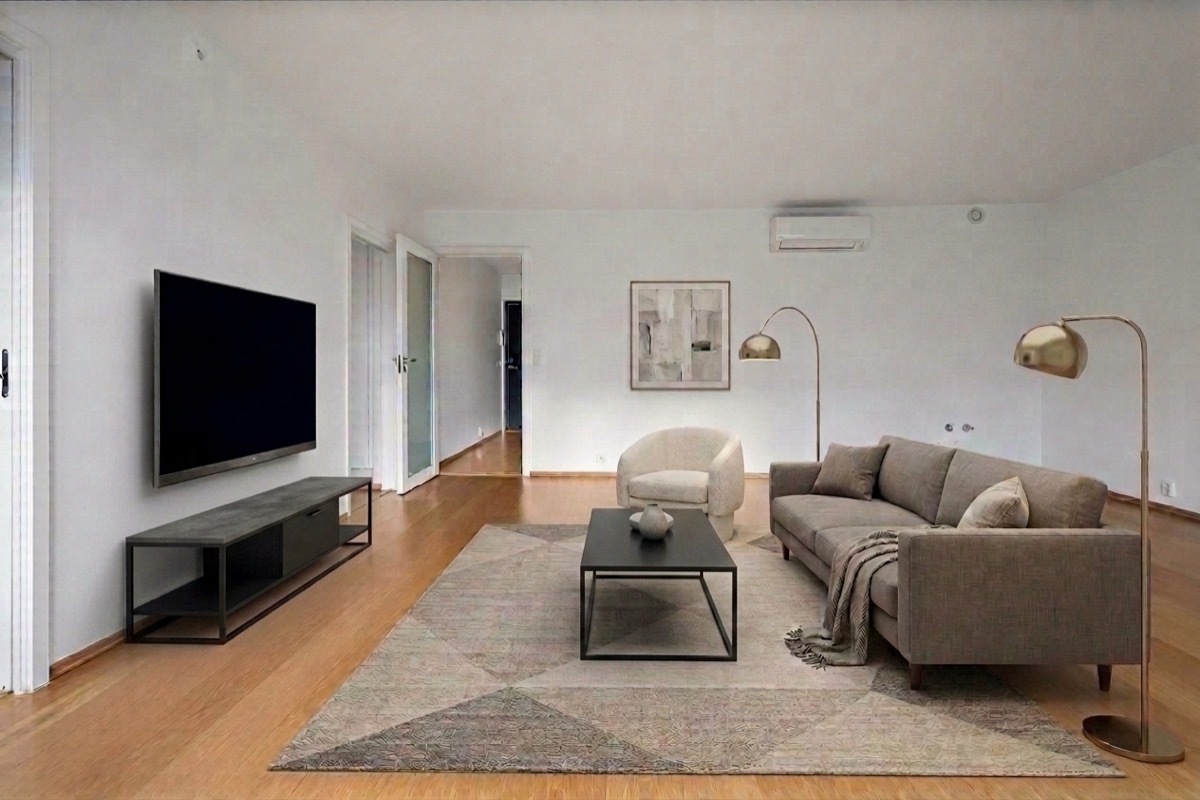
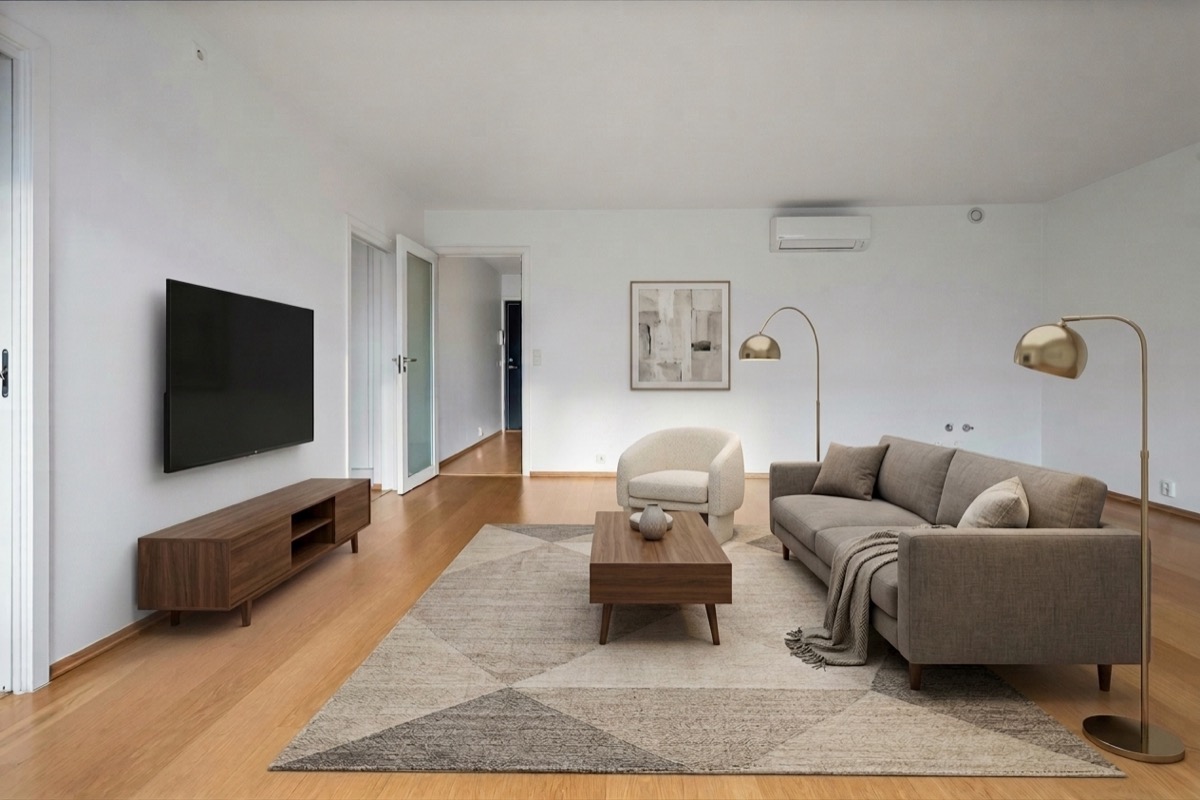
TV console & coffee table
Swapped to a walnut finish, sofa, art and lighting stay pixel-identical.
BeforeRevised
Counter styling
Swapped the bowl styling on the counter, cabinetry and the rest of the kitchen stay pixel-identical.
Wardrobe finish
Swapped to a walnut finish, bed, art, lighting and walls stay pixel-identical.
RE STUDIO PRICING
Priced on what you ship.
Start with 3 free stagings, no credit card required.
Does RE Studio change the room architecture when it stages?
No. Windows, doors, ceiling and structure are locked by default and each can be locked independently. The room stays exactly as photographed, so a buyer viewing in person sees the same space. Only furniture and, if you choose, the floor covering change.
Which room types can RE Studio stage?
Ten: living room, dining room, master bedroom, bedroom, open-plan kitchen-living, kitchen, home office, bathroom, hallway and outdoor terrace. Kitchens and bathrooms are handled separately rather than being given living-room furniture, which is a common failure in general-purpose staging tools.
Can I change just one piece of furniture without restaging the room?
Yes. The revision panel lists the items that were added, and you can revise or remove any single one while the rest of the room stays untouched. You can also choose whether a wall-mounted TV appears, or a console with no television, or neither.
Does RE Studio label virtually staged photos for MLS compliance?
There is a disclosure label at download with four options: none, “Virtually Staged”, an AI-generated label, or both in one stamp. It is off by default and applied only to that export, never written into your stored image, so one staged room can go out labelled to a portal that requires it and unlabelled elsewhere. Requirements vary by board and remain your responsibility, so check what your MLS asks for. Separately, RE Studio checks every image before publication for a visible person, existing watermarks, clutter, tilted horizons, motion blur and fair housing risk.
Can RE Studio stage a property that has not been built yet?
Yes, provided you have an architectural render of the room. Staging works from a render the same way it works from a photograph, which makes it usable for off-plan and pre-construction listings. It cannot stage from a 2D floor plan.
What video format do the listing reels export in?
Reels export as 1080 by 1920 vertical video, sized for Instagram Reels, TikTok and YouTube Shorts. The reel engine determines the tour order and per-frame Ken Burns motion, and room captions and per-slide duration are both editable before export.
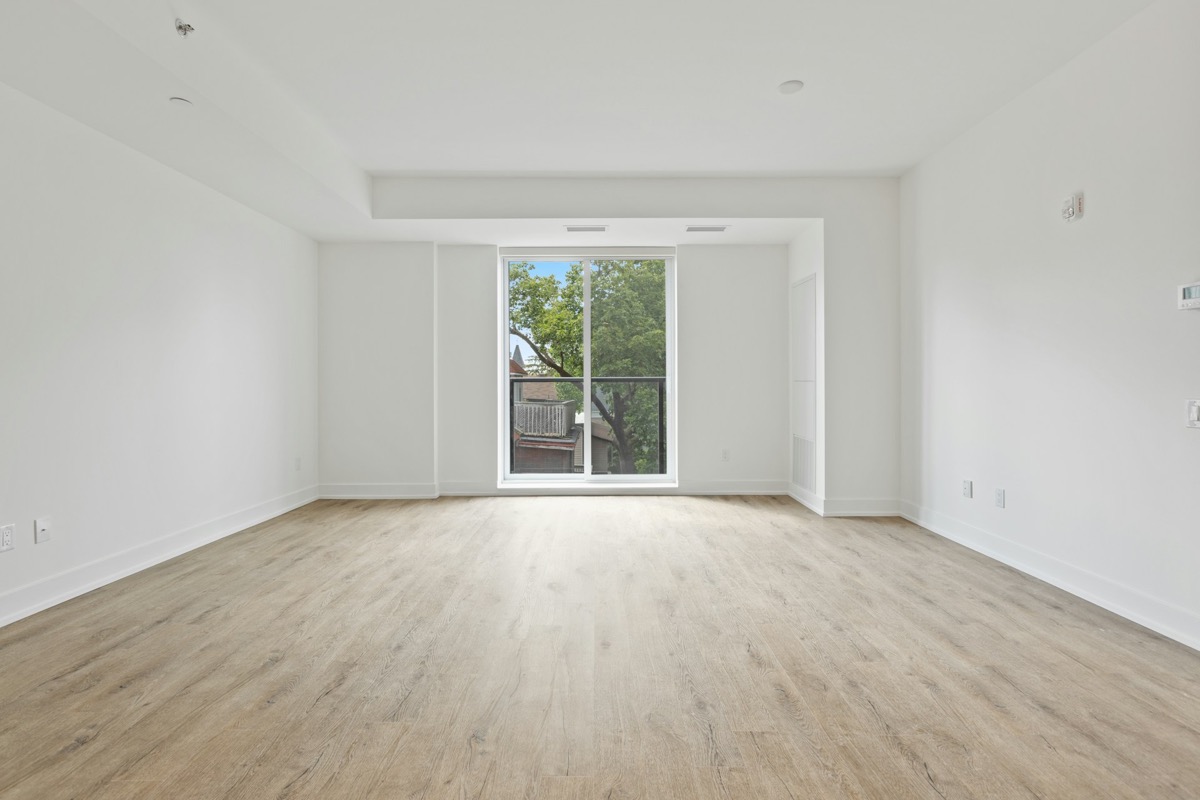
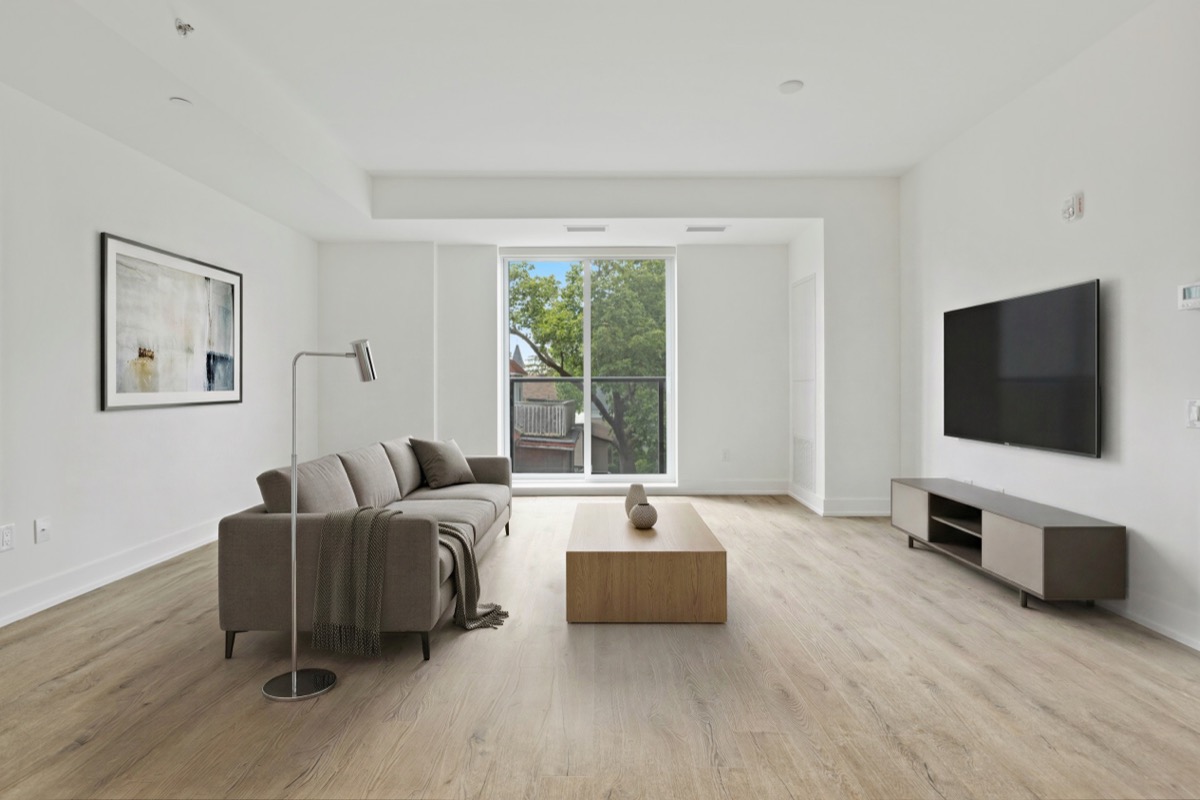 Before
After
Before
After